Two Weeks with OpenClaw: What I Actually Learned
Two Weeks with OpenClaw: What I Actually Learned
If you've been anywhere near tech Twitter in the last two weeks, you've seen the hype around OpenClaw....the open-source AI agent formerly known as Clawdbot, then briefly Moltbot, before Peter Steinberger settled on a name that finally stuck. The lobster has molted into its final form, apparently.
I've been running OpenClaw on a Mac mini M4 Pro (24GB) since late January, wiring it up to Telegram, configuring local Ollama models alongside cloud APIs, and generally seeing how far I could push it as a daily-use personal assistant. Here's what I actually learned; no hype, just the notes from the trenches.
The Setup
My configuration is a three-tier model stack:
- Ollama (local) — Qwen 2.5 14B and Mistral 7B running on the Mac mini for zero-cost, always-available tasks
- xAI Grok — As a mid-tier cloud option with personality
- Anthropic Claude — Via OpenRouter (and also my Claude Pro subscription), reserved for the work that actually matters
OpenClaw's openclaw.json lets you wire these up with fallback chains so the agent picks the right model for the job. In theory. In practice, getting Ollama to register as a proper provider involved more config spelunking than the docs suggest — the "api": "openai-completions" setting was the missing piece that took me an embarrassing amount of time to find. If you're hitting 404s on your local models, check that first.
Model Differences: Grok Has Personality, But...
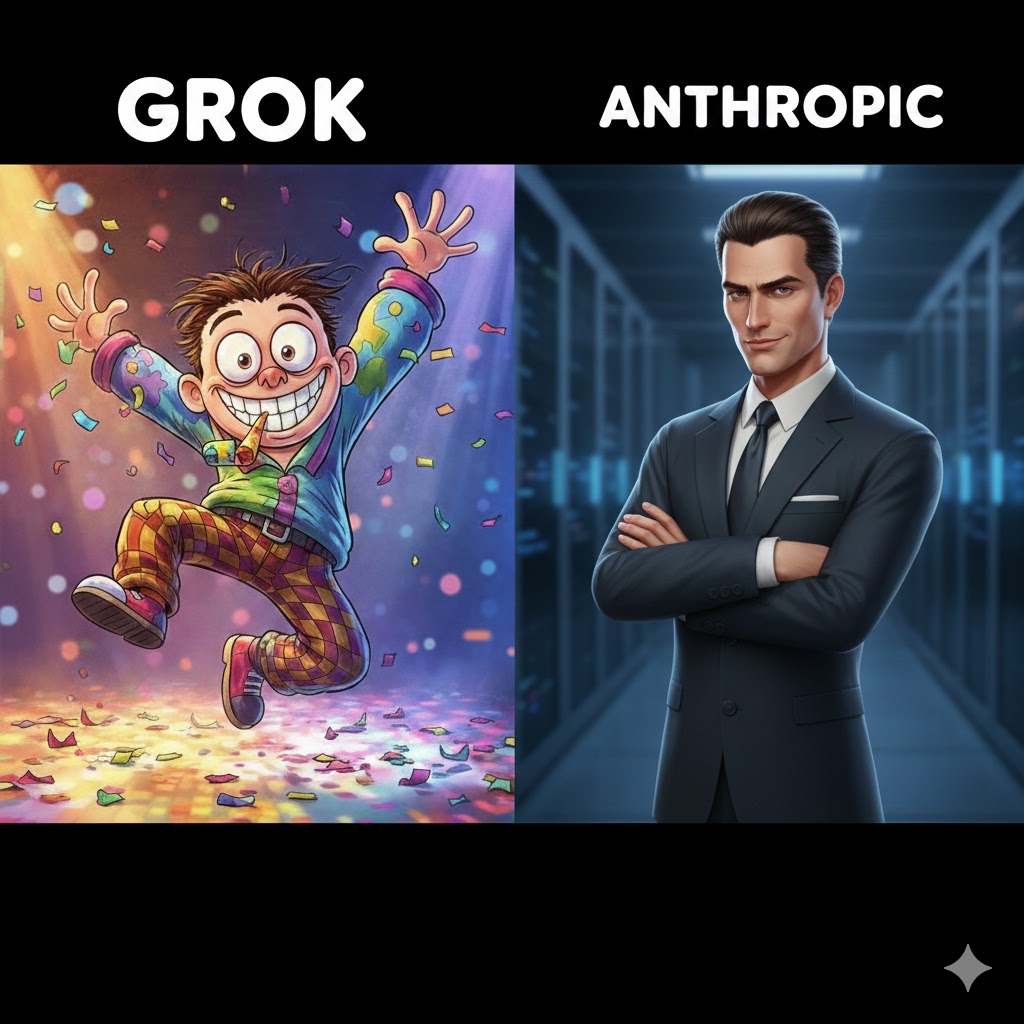
One of my early experiments was routing conversational interactions through Grok (via xAI's API) while keeping heavier reasoning tasks on Claude. The idea was that Grok's chattier personality would make for a better daily assistant experience at lower cost.
And Grok does have personality. It's quippy, it's willing to be casual, and it doesn't hedge every other sentence. But after a couple of days, the gaps become obvious. Compared to Sonnet (let alone Opus), Grok struggles with multi-step tool calling, tends to lose the thread in longer conversations, and doesn't follow system prompts with the same precision. The SOUL.md file that shapes your agent's personality works better the smarter the underlying model is; and that's where frontier models still earn their keep.
My takeaway: Grok is a solid choice for quick lookups and casual chat where you want some warmth without burning through your Claude allocation. But for anything agentic: orchestrating subagents, processing files, making decisions across multiple tools; you want Claude Sonnet or better behind the wheel. The personality gap between models shrinks when the model is smart enough to actually inhabit the persona you've defined.
Memory: QMD Files and Markdown All the Way Down
One of OpenClaw's most compelling design decisions is that memory is just Markdown files on disk. Session memories land in ~/.openclaw/workspace/memory/ as dated .md files. Long-term memory goes in MEMORY.md. Your agent's identity lives in SOUL.md, IDENTITY.md, USER.md, and friends.
This means your agent's entire brain is grep-able, version-controllable, and human-readable. No opaque database. No proprietary format. Just .qmd and .md files that you can open in any editor, sync with Git, or point Obsidian at.
In practice, this is fantastic for a few reasons:
Debugging is trivial. When the agent says something weird, you can literally read what it remembers and trace the source. Compare this to trying to figure out why ChatGPT "forgot" something: good luck.
You own the data. Everything stays on your machine. If you're using this for work (and I am: Splunk queries, meeting notes, client context), there's no question about where your data lives.
Context injection is manual when needed. Sometimes I'll drop a note directly into the memory directory before a conversation. The agent picks it up naturally. It's low-tech but effective.
The downside is that memory management is still manual at the edges. The heartbeat system can do periodic fact extraction and memory reviews, but if you want curated, organized knowledge, you're going to be editing those Markdown files yourself. That's fine for a power user. It's not ready for someone who just wants their AI to "remember things."
Google Calendar with gog: The Killer Skill
The integration that made OpenClaw actually useful for me day-to-day was wiring up Google Calendar via the gog skill (Google Workspace CLI). Install it with clawhub install steipete/gog, do the OAuth dance once, and suddenly your agent can pull your schedule, summarize your day, and flag conflicts.
I set up a subagent specifically for calendar tasks; it runs on Haiku to keep costs down, spawns via sessions_spawn, and announces results back to my main chat channel. A morning briefing cron job at 8 AM pulls the day's events, highlights external meetings, and notes prep time. It's the kind of automation that sounds trivial but saves real cognitive overhead when you're juggling multiple clients across different time zones.
The implementation details matter though. Running calendar queries through a subagent rather than the main agent keeps your primary context window clean. You don't want your Splunk debugging session polluted with calendar tokens. OpenClaw's session isolation handles this well; each subagent gets its own context and memory file.
Ollama for Local Processing and Meeting Notes
Here's where local models actually shine: processing files and notes that shouldn't leave your machine.
I route meeting note summarization through Ollama's Qwen 2.5 14B. After a client call, I drop the raw notes into the workspace, ask the agent to summarize and extract action items, and it does so entirely on-device. No API calls, no data leaving my network. For consulting work where client data sensitivity matters, this isn't just nice to have; it's a requirement.
The 14B model handles summarization and extraction well enough. It's not going to write you a strategy document, but "pull the action items out of these meeting notes and organize them by owner" is squarely in its wheelhouse. And with 24GB of unified memory on the M4 Pro, it runs comfortably with room to spare.
The pattern I've settled on: Ollama for any processing that touches client data. Claude for reasoning-heavy tasks, planning, and anything that benefits from deeper understanding. Grok for when I want quick answers with some personality. Each model has a lane, and OpenClaw's routing makes switching between them natural.
What I'd Tell You Before You Install It
OpenClaw is not a consumer product. The maintainers will tell you this directly — if you can't run a command line, it's probably not for you yet. But if you're comfortable with JSON config files, OAuth flows, and the occasional grep through log files, it's genuinely useful infrastructure.
A few specific things I wish I'd known on day one:
Budget for setup time. Plan for a solid weekend of configuration, not an afternoon. Provider auth, model registration, channel wiring, skill installation — each one has its own flow and its own gotchas.
Start with one cloud model first. Get the basics working with Claude or Grok before adding Ollama to the mix. Debugging two things at once (provider config + local model config) is a recipe for frustration.
The security warnings are real. OpenClaw has broad permissions by design. It can read your email, access your calendar, execute shell commands. That's the point — but it means you need to think about what skills you install and what channels you expose. The Cisco research on malicious skills performing data exfiltration wasn't hypothetical.
Memory files are your friend. Invest time in curating your SOUL.md and USER.md. The more context you give the agent about who you are and how you work, the better every interaction becomes. This is where OpenClaw's Markdown-based memory architecture really pays off.
The Bottom Line
OpenClaw is the first AI agent I've used that feels like actual infrastructure rather than a demo. The memory system is elegant, the multi-model routing is powerful, and the skill ecosystem is growing fast. It's rough around the edges and the Ollama integration needed work, the docs have gaps, and you'll spend time in config files that a polished product would hide behind a UI.
But for someone who wants an AI assistant that runs on its own hardware, talks to them on their existing messaging platforms, and keeps everything in human-readable Markdown files? OpenClaw is the real deal. The lobster earned its stars.
Allen Plummer is principal director at 73′, a technology consultancy based in Oklahoma. He writes about software architecture, applied AI, and occasionally, space lobsters.